Quishing Attacks: How QR Code Scams Target Retailers and Shoppers
November 20, 2026
QR codes are becoming an increasingly common target for fraudsters. By replacing legitimate QR codes, impersonating trusted businesses, and redirecting shoppers to fraudulent websites, criminals can steal payment details, login credentials, and personal information.
What Is Quishing?
QR codes are common in retail, from restaurant menus and parking meters to discounts and online shops. Scammers can turn that convenience into an opportunity for fraud.
Short for QR code phishing, quishing uses malicious quick response (QR) codes to trick people into visiting fraudulent websites or sharing sensitive information.
Like traditional phishing, quishing impersonates trusted sources but uses a QR code instead of a suspicious link.
The tricky part? You can't always tell where a QR code will take you just by looking at it.
Real-World Examples of Quishing
Scammers adapt their tactics to the setting and information they want to steal.
Corporate Email QR Code Phishing
An email posing as a company's IT department, bank, or trusted contact may ask an employee to update an account, verify their identity, or review a document by scanning a QR code. The code may open a fake login page that collects their username and password.
Fake Parking Meter Stickers
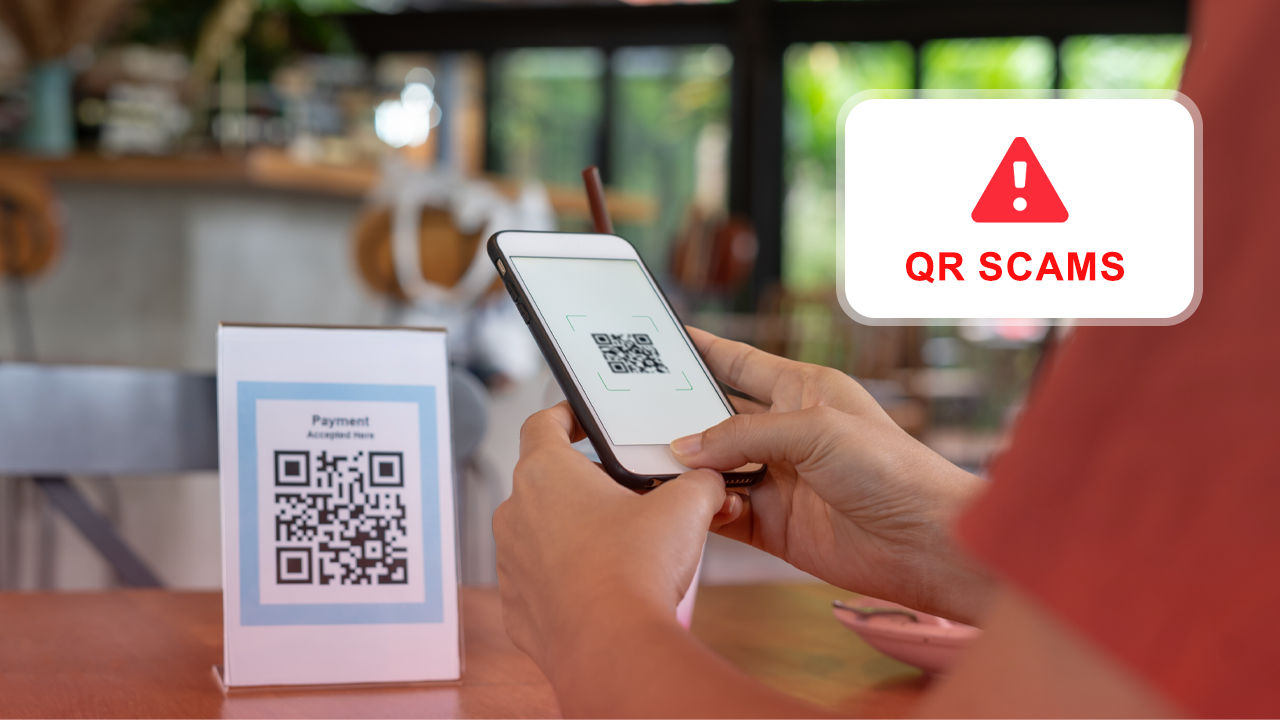
Scammers may cover genuine parking meter QR codes with fake QR code stickers. A shopper scanning the replacement may open a fake payment site that steals credit card information or diverts the payment to a criminal.
Restaurant & Menu Fraud
Restaurants use QR codes for menus, orders, and payments. Scammers may cover legitimate codes with replacements that lead to imitation ordering or payment pages and steal payment or personal information.
Retailers can catch tampering by regularly checking printed materials, table signage, and payment instructions.
Package Delivery Phishing
Scammers may send texts or emails claiming a delivery failed, needs rescheduling, or requires more information. The message includes a QR code for a supposed delivery update.
An unexpected package may also include a note asking the recipient to scan a code to identify the sender or arrange a return.
Fake Government & Fine Notices
Scammers may impersonate government agencies with notices claiming the recipient owes a traffic fine or fee and must scan a QR code to pay or avoid penalties.
Urgency pressures recipients to pay before checking. Verify the notice through the agency's official website or another trusted contact method first.
For more on these schemes, check out our article on government impersonation scams and what retailers should know.
How Does Quishing Work?
Most QR code scams follow a similar process: scammers create a fraudulent code, get someone to scan it, and use its destination to collect information or commit fraud.
Create a Fake QR Code
A scammer generates a fake QR code that directs people to a fraudulent website or another malicious destination.
Distribute or Replace Legitimate QR Codes
Scammers distribute codes through emails, texts, and fake notices or place stickers over legitimate codes on meters, tables, posters, and payment signs. Familiar settings make the request seem believable.
Redirect Shoppers to Fraudulent Websites
The code may open a fake business, payment, delivery, or login page. Familiar logos and colors can make it look authentic.
Exploit Stolen Information
A fake site may collect card numbers, usernames, passwords, or other personal information for account access, unauthorized purchases, or identity and financial fraud.
Some codes may also lead to downloads or sites that expose devices to malware. Stolen employee credentials can put retailers and customers at risk.
Who Is Targeted?
Quishing can affect the entire retail environment:
- Brick-and-Mortar Retailers: QR codes for menus, promotions, payments, or surveys can be tampered with, damaging customer trust.
- Ecommerce Businesses: QR codes may direct shoppers to fake storefronts or login pages impersonating online retailers.
- Customers and Shoppers: Shoppers may unknowingly scan replaced codes while looking for menus, discounts, delivery updates, or payment options.
- Employees and Store Managers: Fake messages posing as management, vendors, or internal departments can expose business accounts.
Warning Signs of QR Code Scams Retailers and Shoppers Should Watch For
Watch for these warning signs:
Unexpected QR Codes Requesting Sensitive Information
Be cautious if a QR code requests unnecessary information. A menu shouldn't require your Social Security number, and a promotion shouldn't ask for extensive financial details.
Fake or Altered QR Code Stickers
Watch for stickers covering other codes, damaged signage, or codes on unfamiliar flyers without clear business identification.
Suspicious Website URLs After Scanning
Check the URL shown by your phone before opening a site or entering information. Does it match the expected business? Look for misspellings, unusual characters, or extra words.
Our article on fake websites and ad scams targeting retailers explores how scammers use lookalike sites and misleading ads.
Don't rely on logos or familiar colors; fake sites can look nearly identical to legitimate ones.
Also, remember that a website using HTTPS (Hypertext Transfer Protocol Secure) isn't automatically trustworthy. Scammers can use secure connections, too.
Urgent Payment or Account Verification Requests
Scammers may threaten overdue payments, account suspension, or canceled deliveries unless you scan immediately. Scammers want people to act before they have time to verify the request.
If something feels off, contact the business or organization through a website or phone number you already know is legitimate.
Unusual Discounts, Rewards, or Refund Offers
A QR code may promise a coupon, reward, refund, or limited-time deal, then lead to a fake site requesting payment or personal information.
Retailers should also be aware of other promotional scams, including counterfeit tobacco coupons that can leave businesses covering fraudulent discounts.
How Retailers Can Prevent Quishing Attacks
Retailers don't have to stop using QR codes to stay safe. They just need to be mindful of how they're created, displayed, and monitored.
Inspect QR Codes and Retail Signage Regularly
During store checks, inspect QR codes on counters, tables, displays, and payment signs. Look for replacement stickers, damage, or codes that don't match the originals.
Remove suspicious codes until their authenticity can be confirmed.
Use Trusted QR Code Generation and Management Processes
Set a clear process for creating and distributing codes. Use trusted tools, track where codes appear, and limit who can create or replace them.
For payment or account codes, confirm the destination belongs to the business or its payment provider.
Train Employees to Recognize QR Code Tampering
Show employees legitimate signage and how to spot replacement stickers, fake notices, and suspicious scan or account-verification requests.
Give employees a clear process for reporting anything suspicious.
Secure Retail Payment and Customer Account Workflows
Use trusted payment providers, update software and devices, require strong employee-account authentication, and limit access to sensitive information.
Strengthen Customer Identity Verification
Identity verification can confirm customers' identities when they create accounts, access sensitive information, or complete transactions requiring extra checks.
Identity verification doesn't replace QR code security; use it alongside employee training, secure payments, and regular signage checks.
How Shoppers Can Protect Themselves from QR Code Scams
Shoppers can also take precautions.
Verify the QR Code Before Scanning
Check that the code appears on official signage and watch for covering stickers or unusual notices.
If unsure, ask an employee or use the business's official website.
Check the Website Before Entering Information
You don't have to follow through after scanning. Check the address for misspellings or unfamiliar domains, and confirm it matches the business you intended to visit.
Before sharing payment or personal details, make sure the request makes sense. When in doubt, visit the company's website directly.
Avoid QR Codes from Unexpected Messages
Be wary of QR codes in unsolicited emails, texts, or social media messages. Contact the company through a verified number or website instead.
Report Suspicious QR Codes
Report tampered codes or suspicious websites to the business, property owner, or organization responsible for the signage so they can investigate.
If you've scanned a suspicious code and shared sensitive information, act quickly: change affected passwords, contact your bank or card provider, and review account activity for unfamiliar transactions.
You can also report suspected fraud to the Federal Trade Commission at ReportFraud.ftc.gov.